Colours
Matching the chat to your store's brand.
Last updated · 3 Oct 2026Setting up your assistant
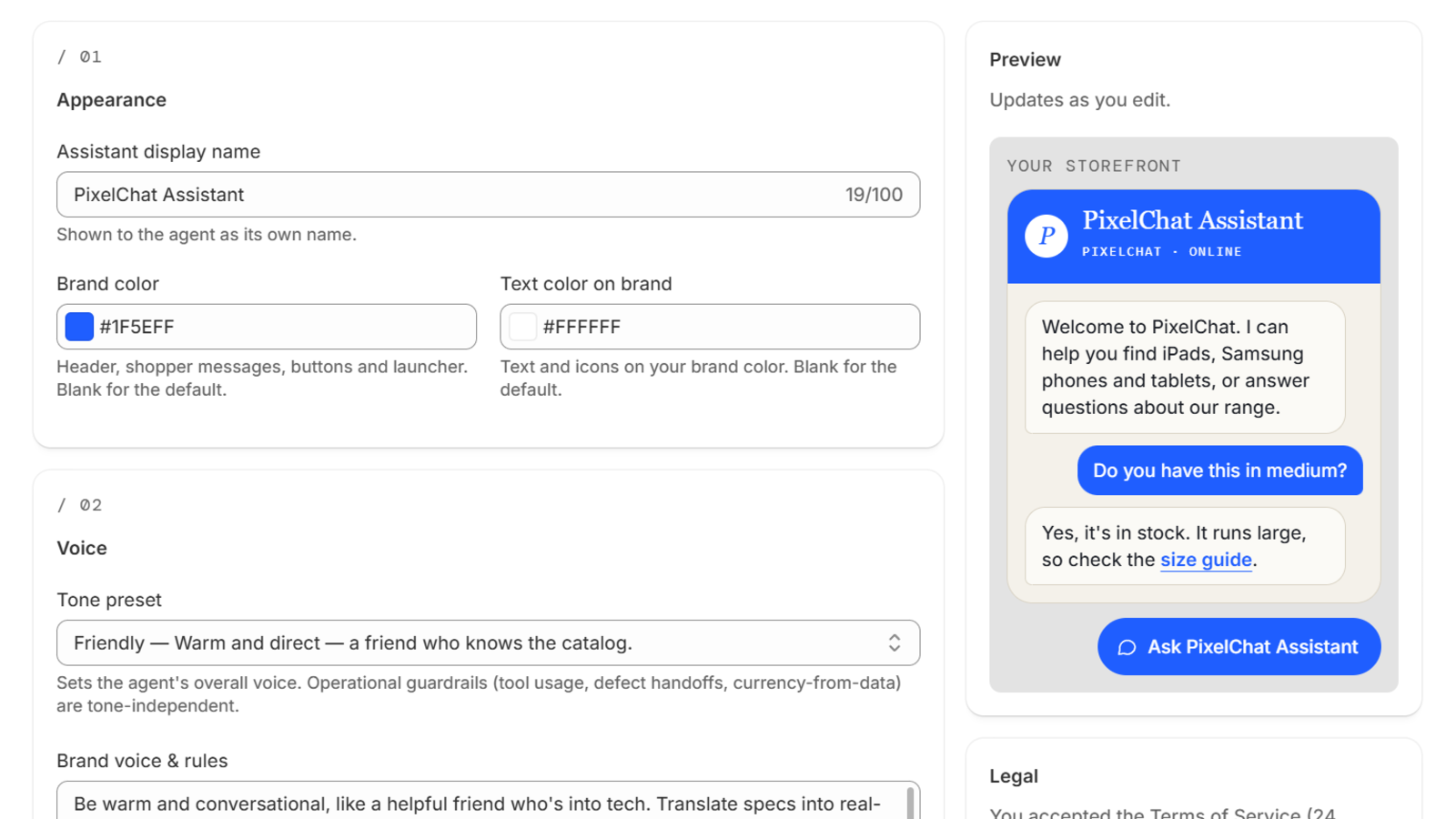
PixelChat has two colour settings, in Settings under Appearance:
- Brand colour — styles the chat header, your shoppers' messages, the buttons, links and the chat bubble.
- Text colour on brand — the text and icons that sit on your brand colour.
Pick a pair with enough contrast so text stays easy to read. If the colours may be hard to read, PixelChat shows a warning as you choose them.
The chat bubble sits in the bottom-right corner of your store. Its position is fixed.
 (opens the full-size image)