Assistant name and welcome message
Choosing the name shoppers see and the first thing the assistant says.
Last updated · 3 Oct 2026Setting up your assistant
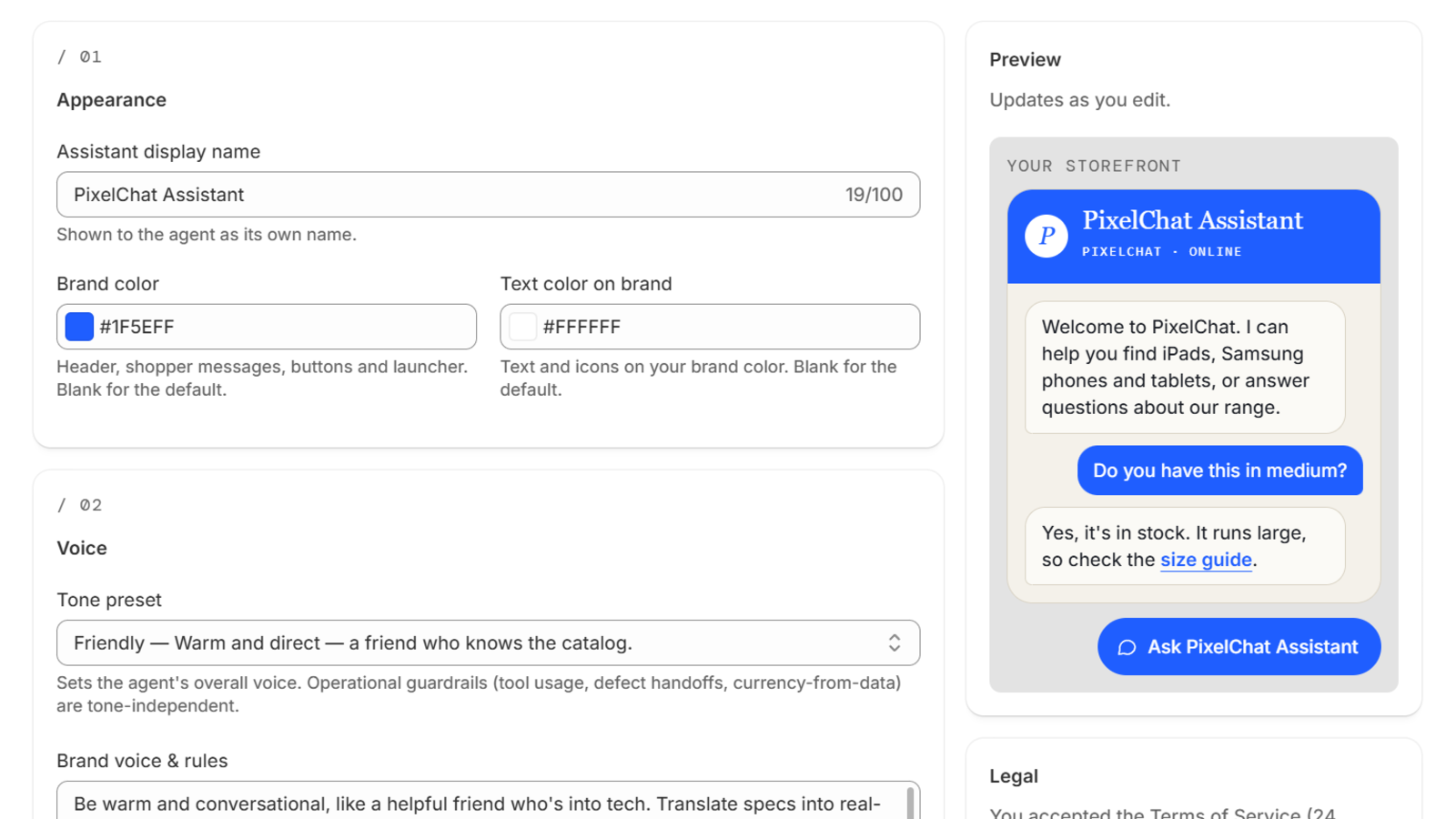
Assistant name. Shown at the top of the chat window. Pick something that fits your brand — a first name ("Mia"), your store's name ("Northfold Help"), or something descriptive ("Style advisor").
Welcome message. The first message a shopper sees when they open the chat. Keep it short and give shoppers a reason to ask something, for example:
Hi! I can help with sizing, stock and delivery. What are you looking for?
To greet customers who are logged in to your store by their first name, put {name} where the name should go, for example Welcome back, {name}!. Shoppers who aren't logged in see the message without it. If you leave {name} out, logged-in customers see "Hey" and their first name before your message.
Change either one any time in Settings: the name under Appearance, the welcome message under Welcome and AI transparency.
 (opens the full-size image)