Adding a knowledge entry
Teaching the assistant the answers your policies don't cover.
Last updated · 3 Oct 2026Knowledge & policies
Knowledge entries are the questions and answers you write yourself — the things shoppers ask that aren't in your policies or product pages. On the Knowledge page in PixelChat, they're listed under Your answers.
Good candidates:
- Delivery times to specific countries
- Warranty terms
- Sizing advice across your range
- Care and washing instructions
- Gift wrapping, personalisation, click-and-collect
Add an entry
- Open Knowledge in PixelChat.
- Under Your answers, click Add answer.
- In Question, write the question the way a shopper would ask it. In Answer, write the answer the way you'd reply by email.
- Click Save in the bar at the top of the page.
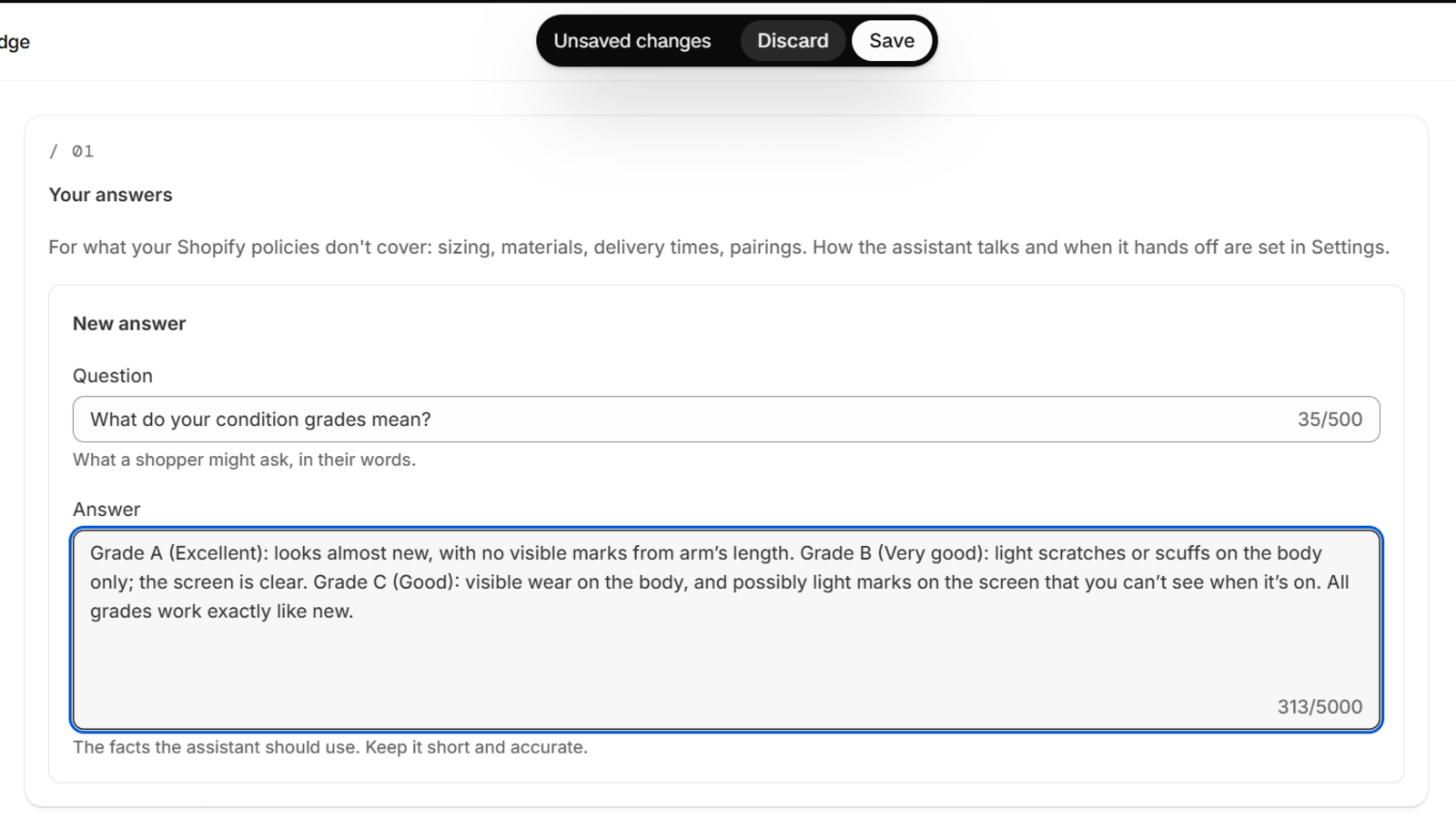 (opens the full-size image)
Tips
- One topic per entry. "Do you ship to Canada?" and "How long does delivery take?" are two entries.
- Say it plainly. The assistant quotes your answer, so write it the way you want shoppers to read it.
- Include the limits. "Free returns within 30 days, unworn, with tags" answers the next question before it's asked.