How your Shopify policies are used
The assistant answers policy questions from your published Shopify policies, which PixelChat imports and keeps up to date automatically.
Last updated · 3 Oct 2026Knowledge & policies
The assistant answers questions about shipping, returns, refunds and privacy from the policies you've published in Shopify — in your words, with a link to the policy page.
Imported automatically
PixelChat imports your published Shopify policies (shipping, refund, privacy, terms and similar) without you doing anything:
- when you install PixelChat
- when you finish the setup wizard
- within seconds whenever you save a policy in Shopify
- whenever the imported copy is more than an hour old
You'll find them, read-only, on the Knowledge page in PixelChat. To refresh them straight away, click Sync now.
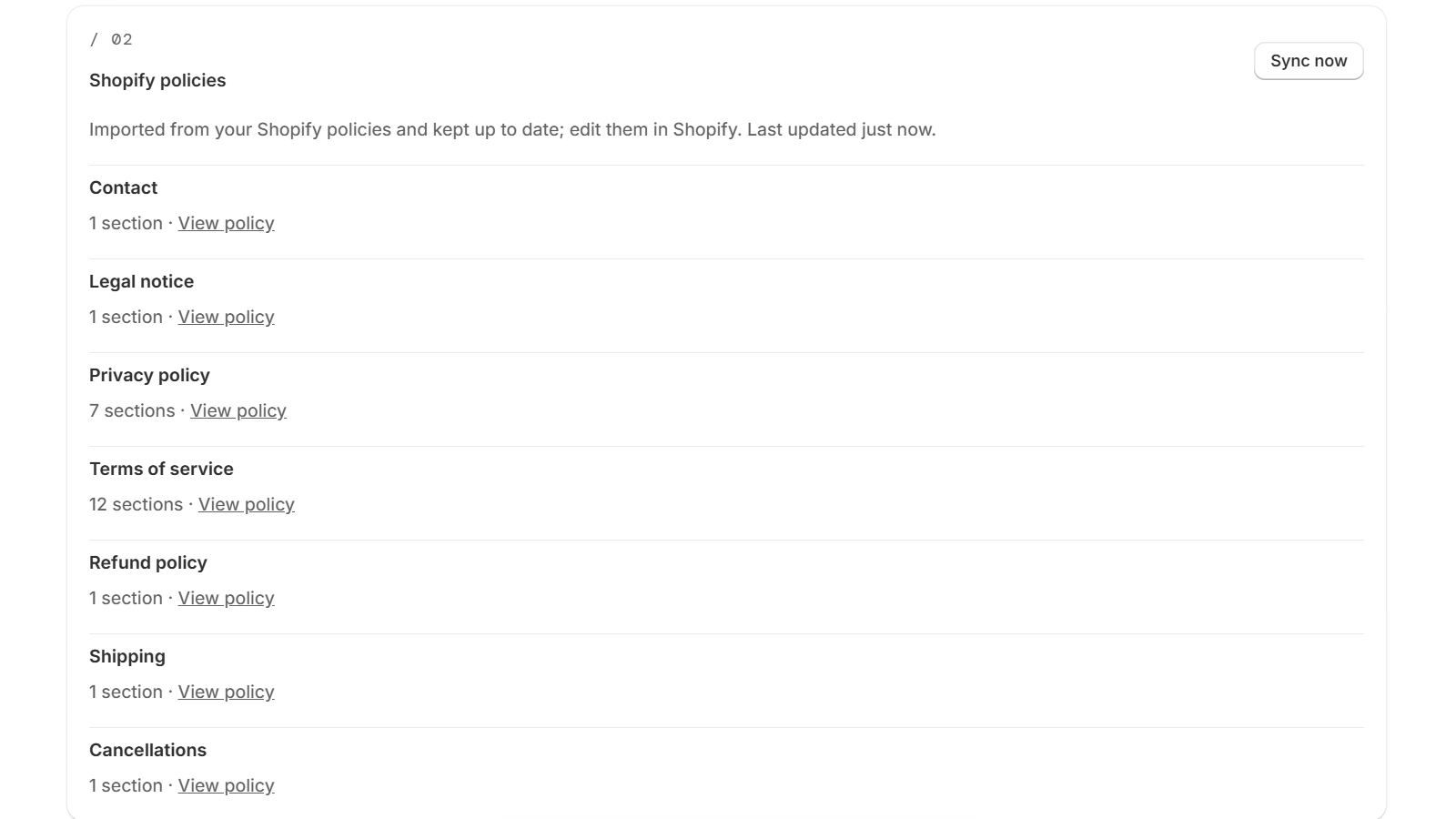 (opens the full-size image)
Missing a refund or shipping policy?
New Shopify stores have no refund or shipping policy by default. If yours is missing one, the setup guide on the PixelChat home page shows the step Add return and shipping policies in Shopify, with a link to your Shopify policies. Create the missing policy in your Shopify admin under Settings → Policies — Shopify can insert a template for you to review — and save it. PixelChat picks it up automatically.
Until a policy exists, the assistant can't answer questions about it. It tells the shopper it can't help with that and offers them a way to reach you.
Changing a policy
Edit the policy in Shopify (Settings → Policies) and save it. The assistant uses the new version within seconds; you don't need to do anything in PixelChat.