Product search
How the assistant finds products for your shoppers.
Last updated · 25 Sep 2026Shopping features
When a shopper asks about a product, the assistant searches your live catalogue and shows matching products as cards with the price and a link.
It works best when shoppers name what they want — "a waterproof jacket", "the olive jumper", "running shoes in size 9". When a shopper asks to browse ("what do you sell?"), it shows a selection and offers to narrow it down or show more.
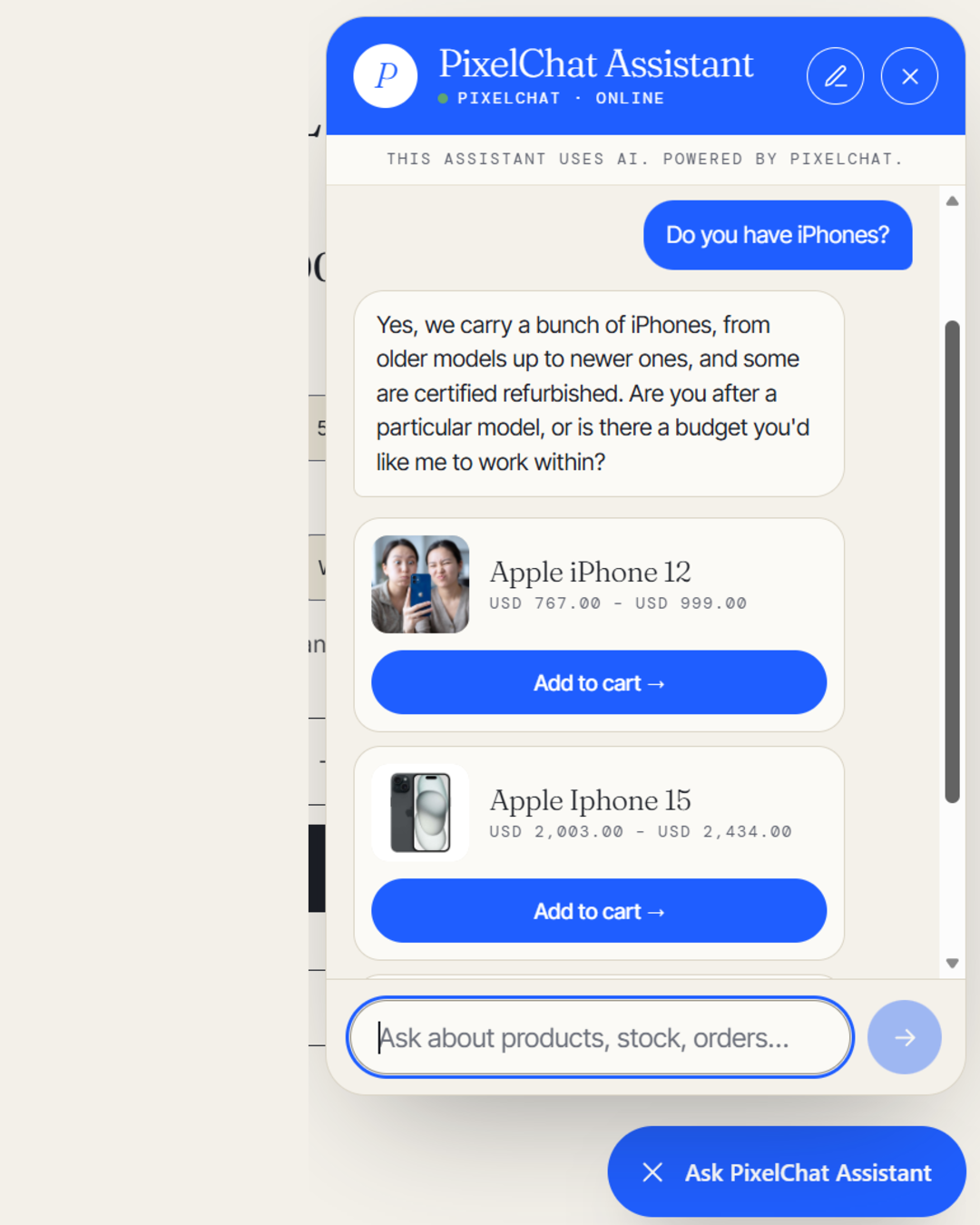 (opens the full-size image)
What it can search
- Published products that are visible on your online store.
- Products with at least one variant in stock. Products sold out in every variant don't appear in search results.
- New products can take up to about 10 minutes to become searchable after you add them.
If a product isn't showing up, see Why can't the assistant find a product?.